
Assign the vocabulary of the role they are about to do.
University relations and early-career L&D can assign a pathway to an intern class or new-grad cohort. Apple Schoolwork is the delivery rail on 1:1 iPad.

7-day trial · then $4.99/month ·Built for intern, new-grad, and campus programs.
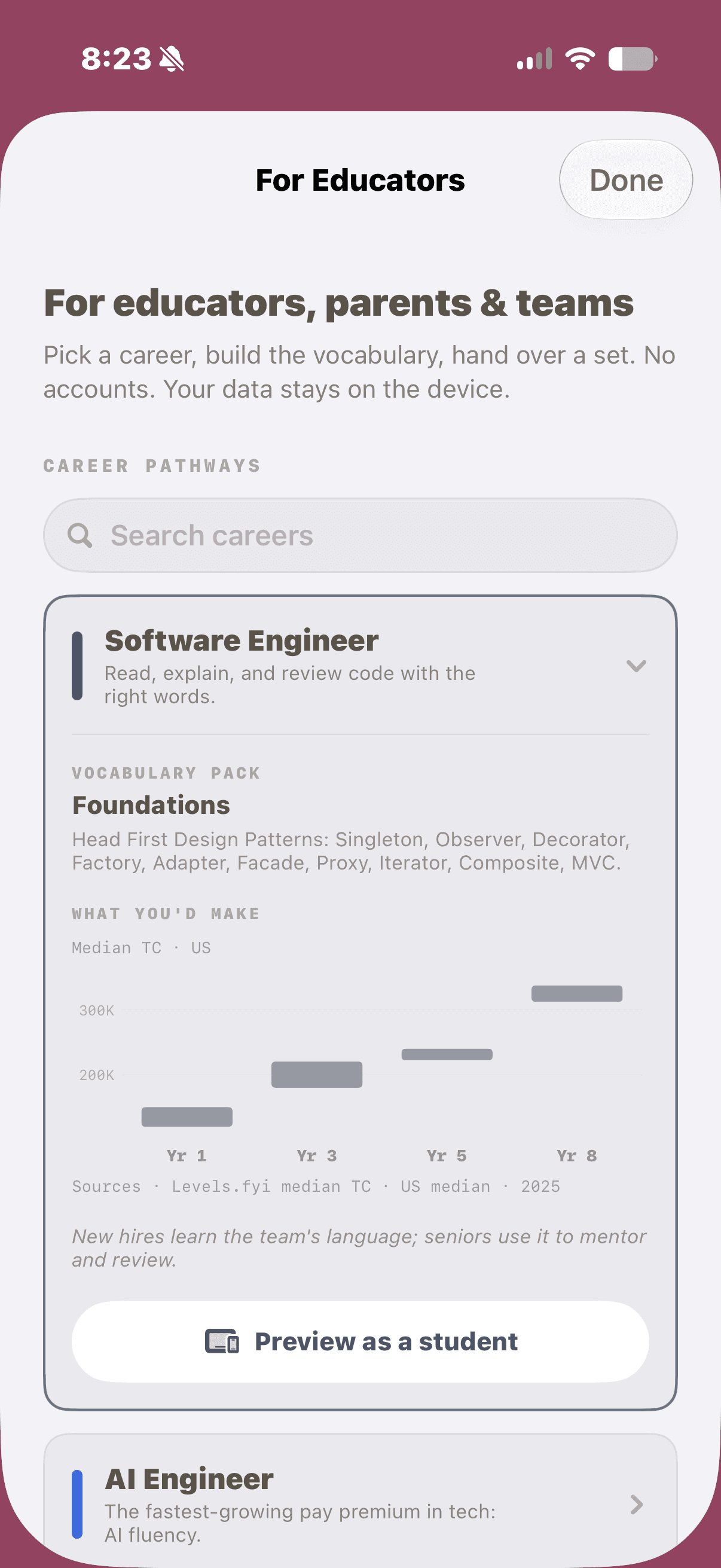
Choose a pathway
Open a career pathway.
Open a role to see the pack, salary context, and vocabulary the intern or new grad will practice.
Career Pathways in the Educator Hub. Software Engineer uses Foundations.
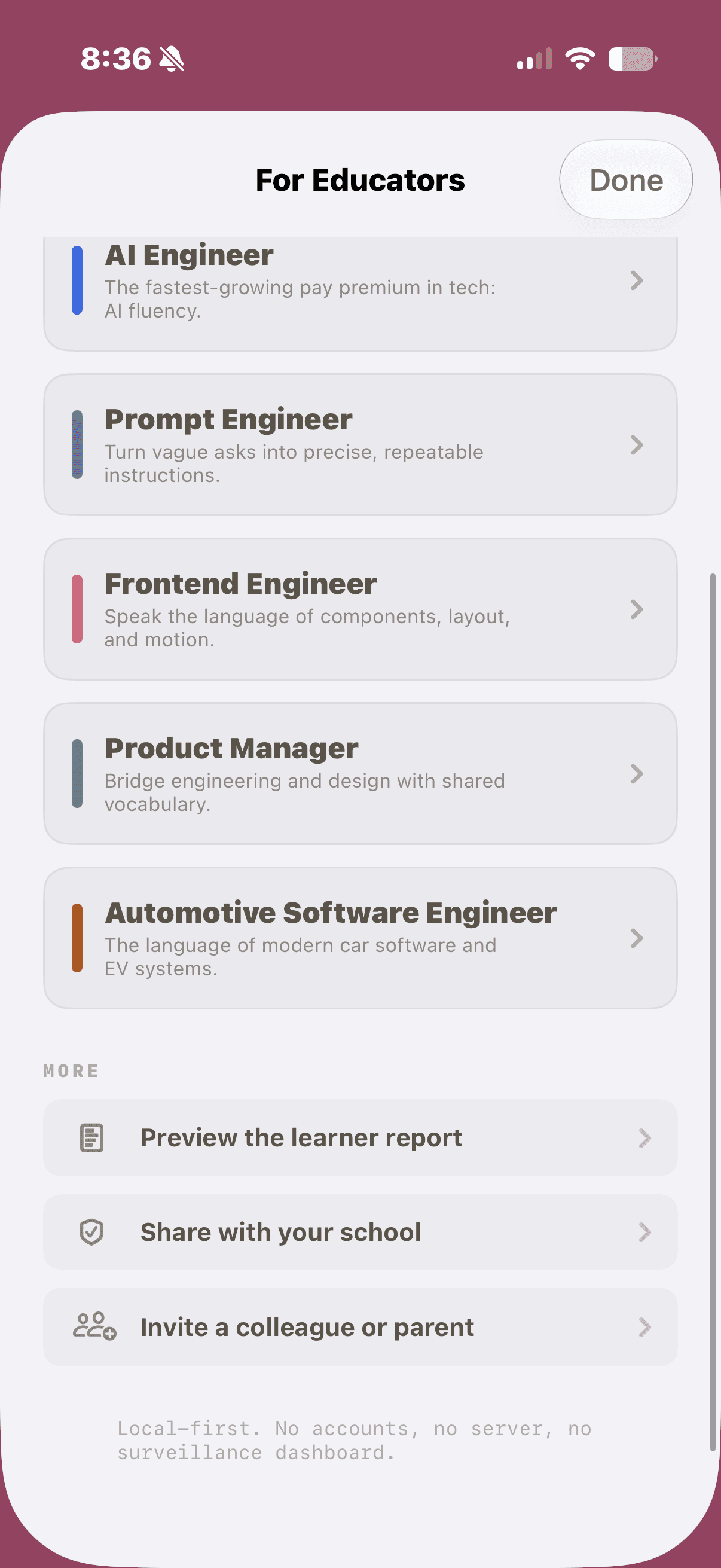
Preview as a learner.
Preview the daily term, or tap Assign in Schoolwork for step-by-step instructions.
Each career maps to one pack. Assign categories or individual terms.

Three taps to assign Prompthaus.
- 01
In Schoolwork, tap Add, then Assign an App or App Activity.
- 02
Choose Prompthaus, then a career pathway or vocabulary pack.
- 03
Pick your class or cohort and due date. Learners open it on their iPad.
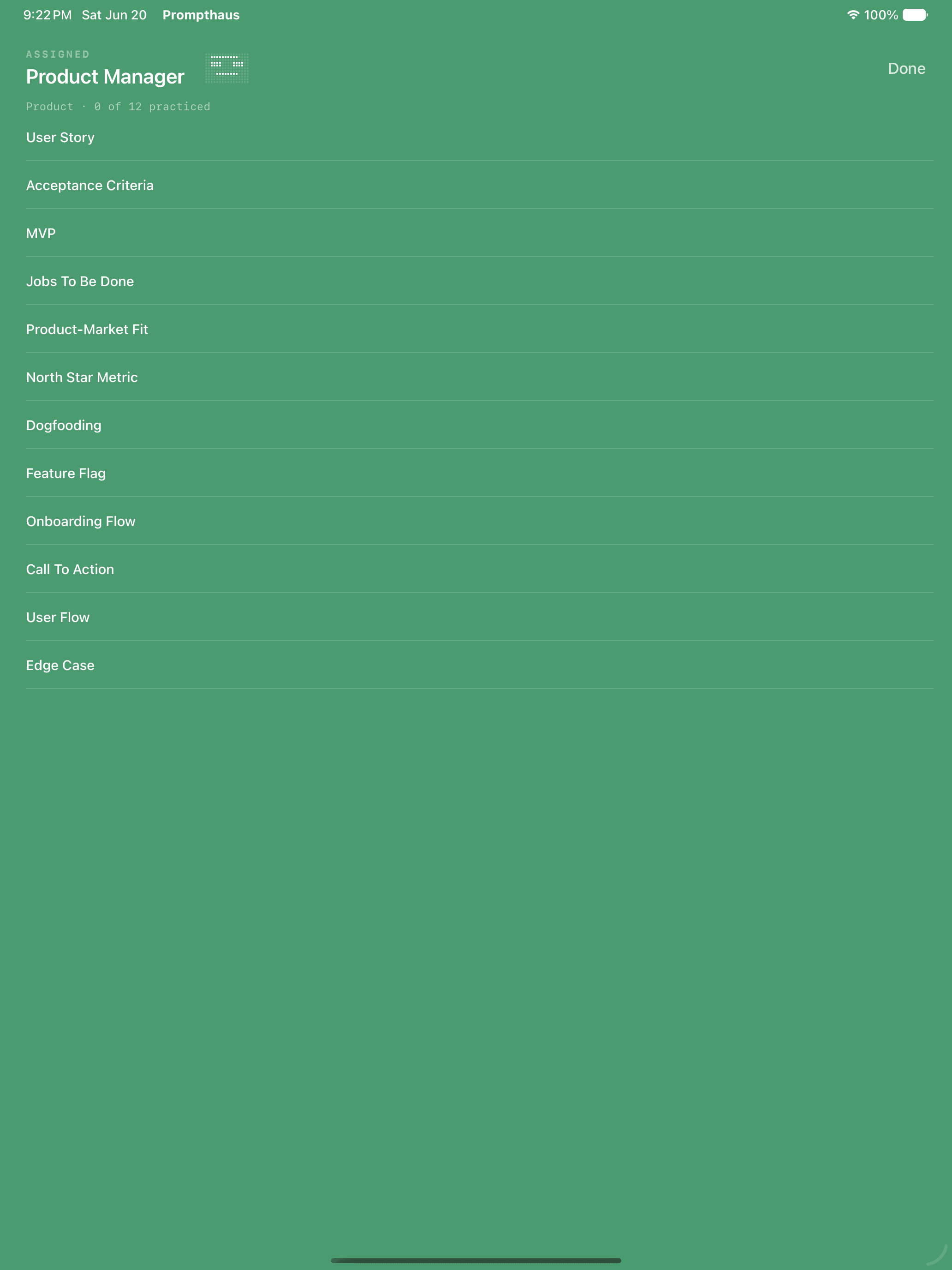
The assignment opens as the career title. Every term in the pack is listed.
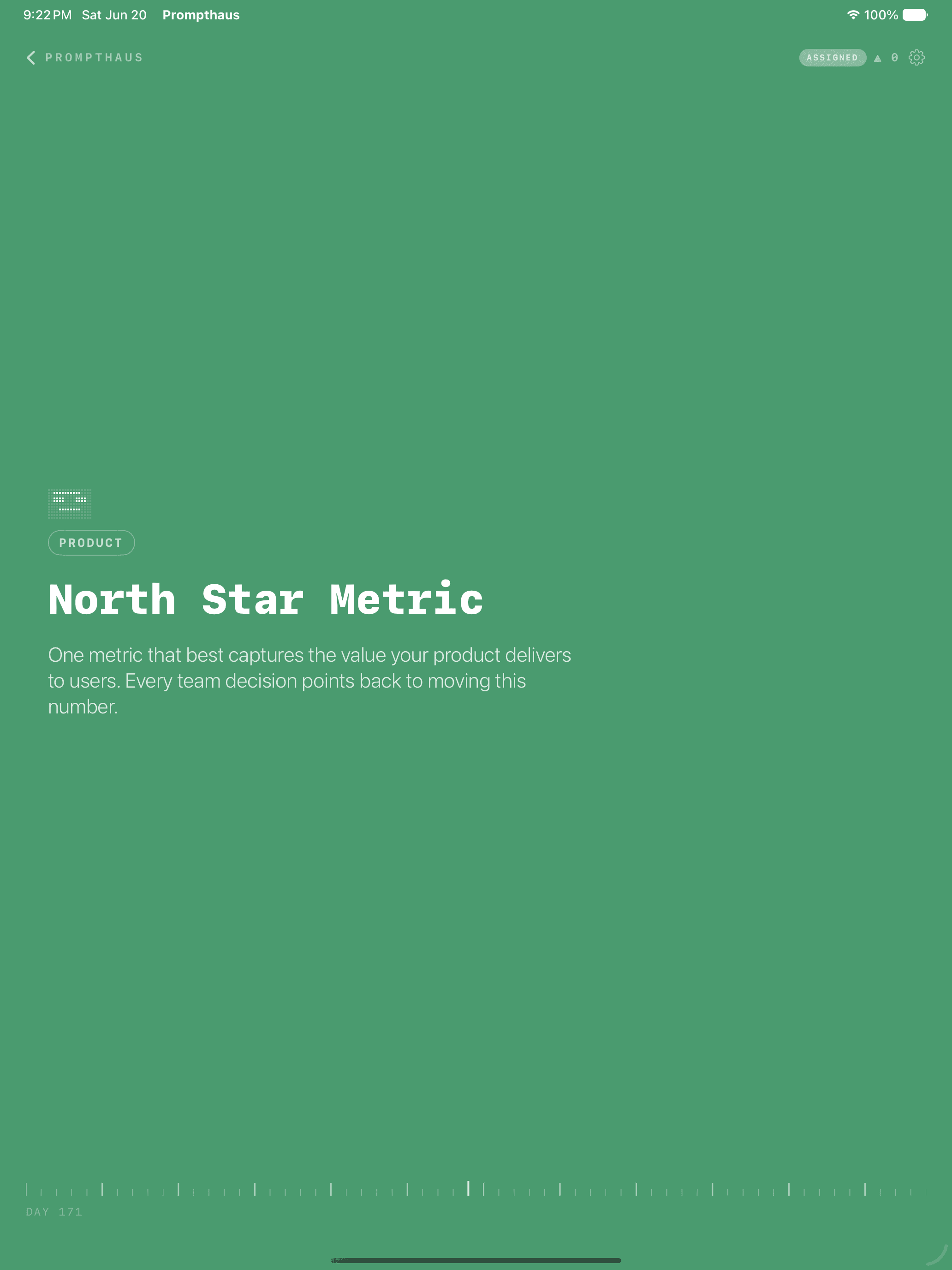
Tap a term to read and quiz. Only assigned work reports to Schoolwork.
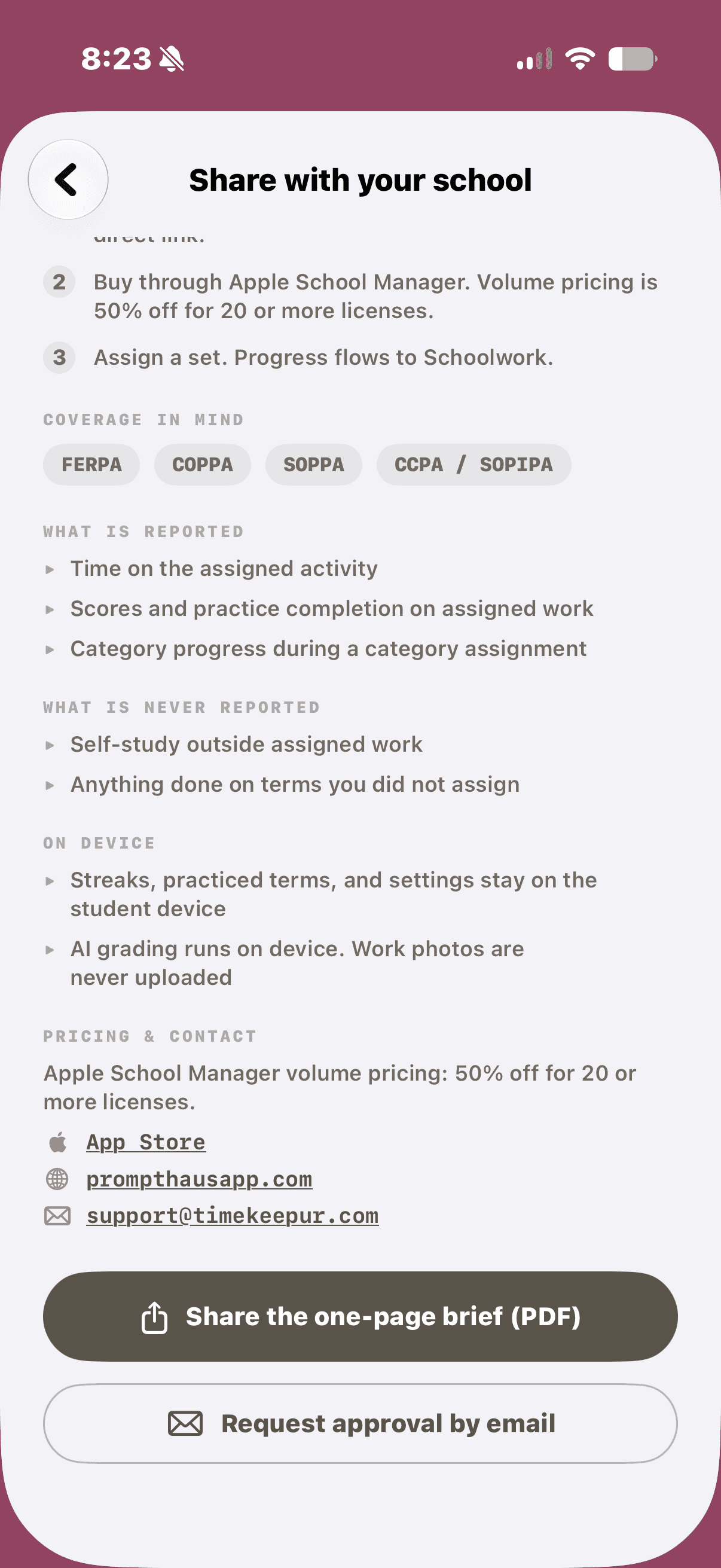
Send the security brief.
Forward the one-page brief to People, university relations, or IT. Covers privacy, volume seating, and Apple School Manager.
Security Posture Brief. Ready to forward.
Reports and credentials.
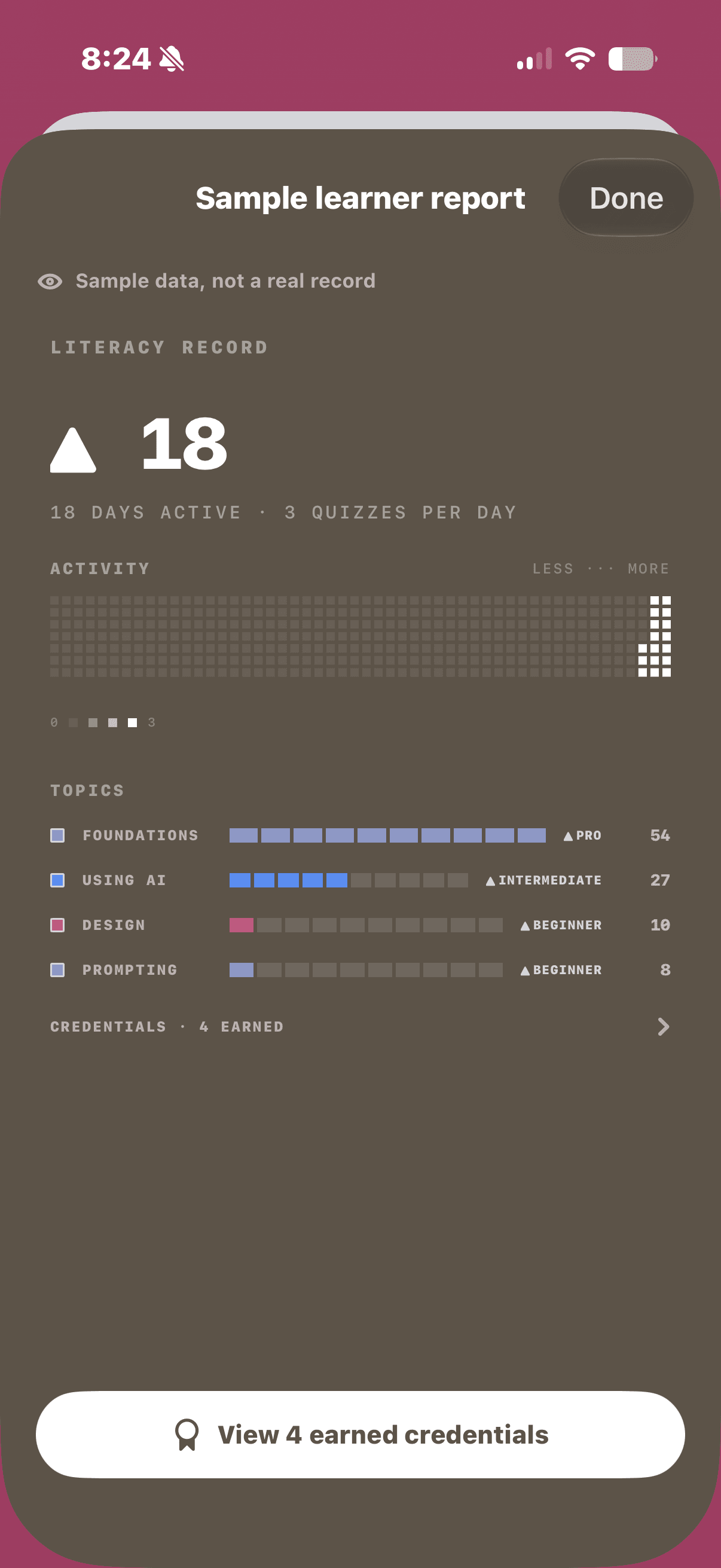
Preview the sample learner report for streaks and topics. Completers earn verifiable literacy credentials they can share.
Learner Literacy Report. Verify at prompthausapp.com/verify.
Verifiable credentials.
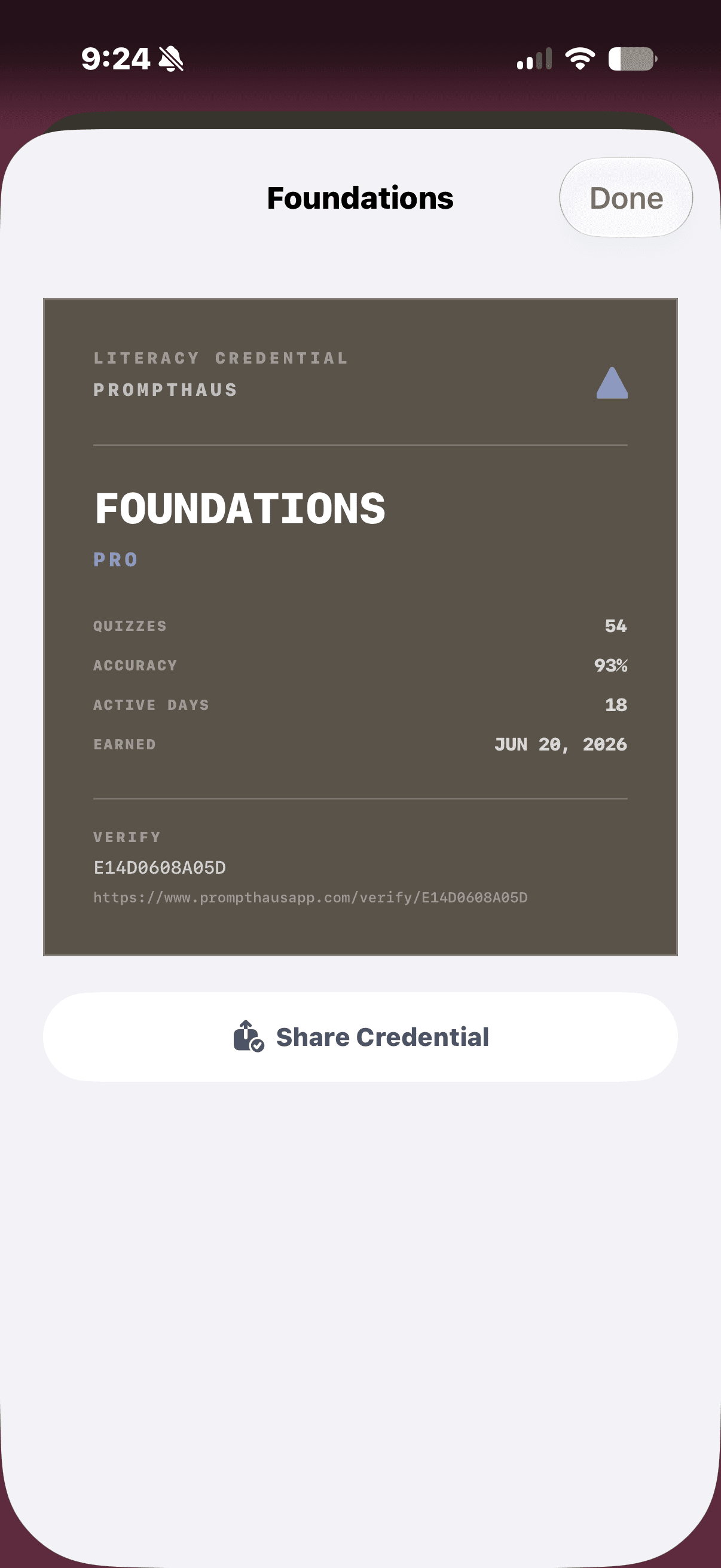
Learners earn shareable literacy credentials with quiz stats and a public verify link.
Foundations credential. Share as PDF or link.
Only assigned work reports to Schoolwork. Self-study stays on the device. Volume seating for early-career cohorts.