
What is Accessibility Label?
A text description added to an element so screen readers can describe it to users who cannot see the screen. Required for images, icons, and custom controls.
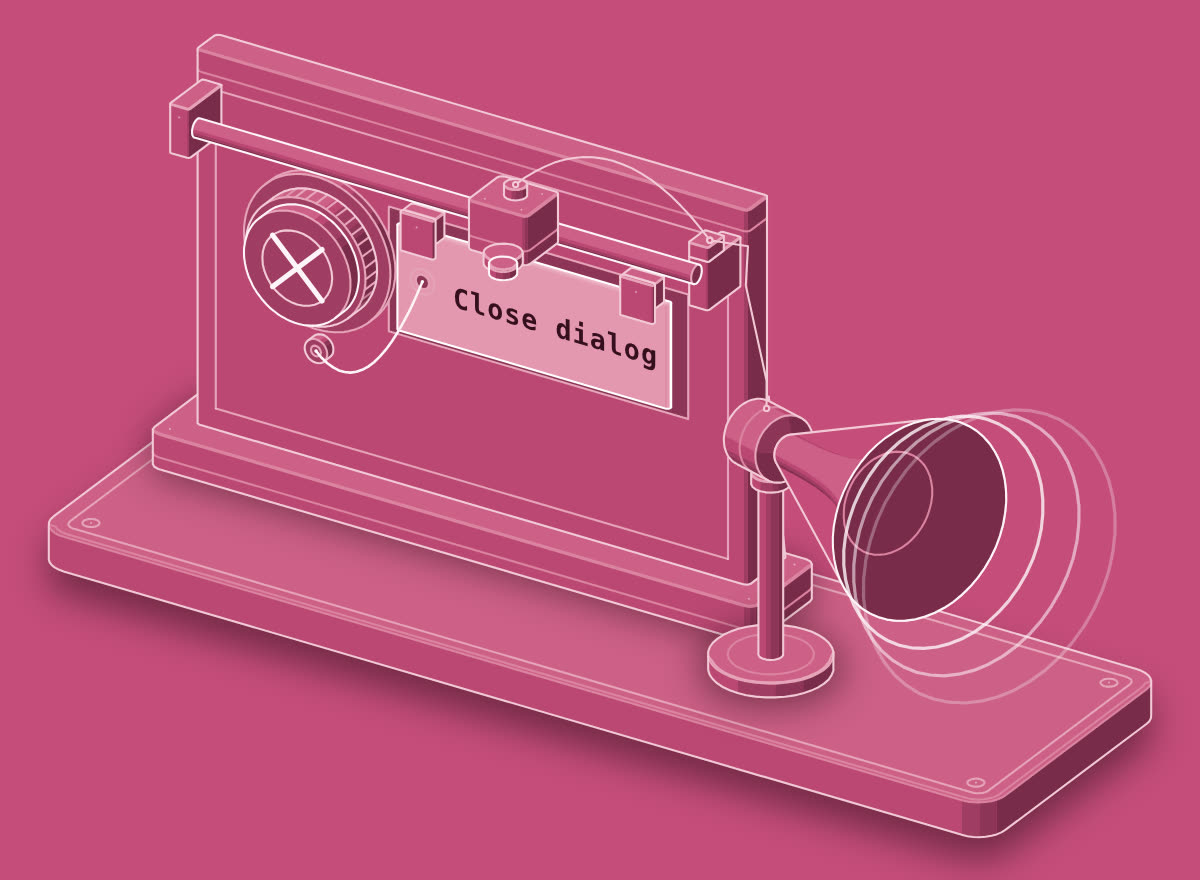
icon → “Close dialog”
An accessibility label helps users who...
Write it in your own words in the app.
In real work
Add accessibility labels to all icon buttons. The close button reads 'Close dialog'. The share button reads 'Share post'.
In the illustration
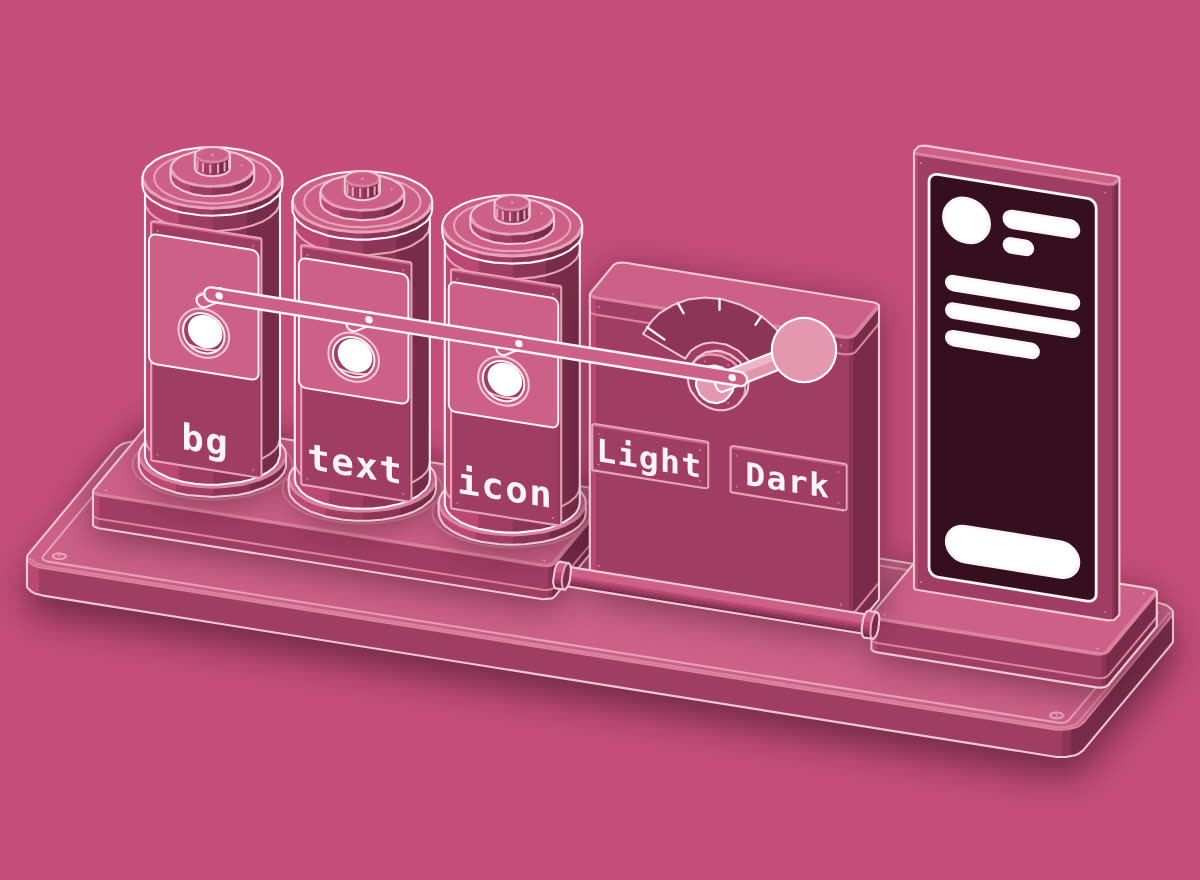
The reading head passes the bare icon and the horn stays silent; the tag clips on, the head reads it and the horn plays 'Close dialog'.
Add an accessibility label in your design tool to each icon-only button on the toolbar, written as the action, like Share and Delete, not the icon name.
Try it now
The fastest way to learn a word is to use it. Open this line in the agent you already work in and watch what it does. Change the tool to the one you use.
Go further
01Practice
Make it stick
One term a day, a short quiz, and sentence practice that checks your own words.
02Verify
Prove you know it
Pass the quiz and keep it in a Skills Wallet you can share with anyone who needs proof.
03Career
Find the work that uses it
See which roles lean on this vocabulary, and what they pay in year one.
Learn the next term tomorrow.
Google gives a definition. Prompthaus pairs each term with how it shows up in standups, PRs, prompts, and design reviews. Then it quizzes you until the word sticks. One term a day on iPhone.
