
SchoolsGrades 9 to 12
AI literacy students can show.
Assign it in Schoolwork. Practice it in a workbook. Prove it in a mock interview.
Works with Apple Schoolwork Works with Apple Schoolwork
AgentUsing AI
 Built for the classroom
Grades 9 to 12 · Apple Schoolwork · 1:1 iPad · Print workbooks · No student accounts · Fits Illinois PaCE · Career pathway endorsements
Three ways in
Use one. Or all three.
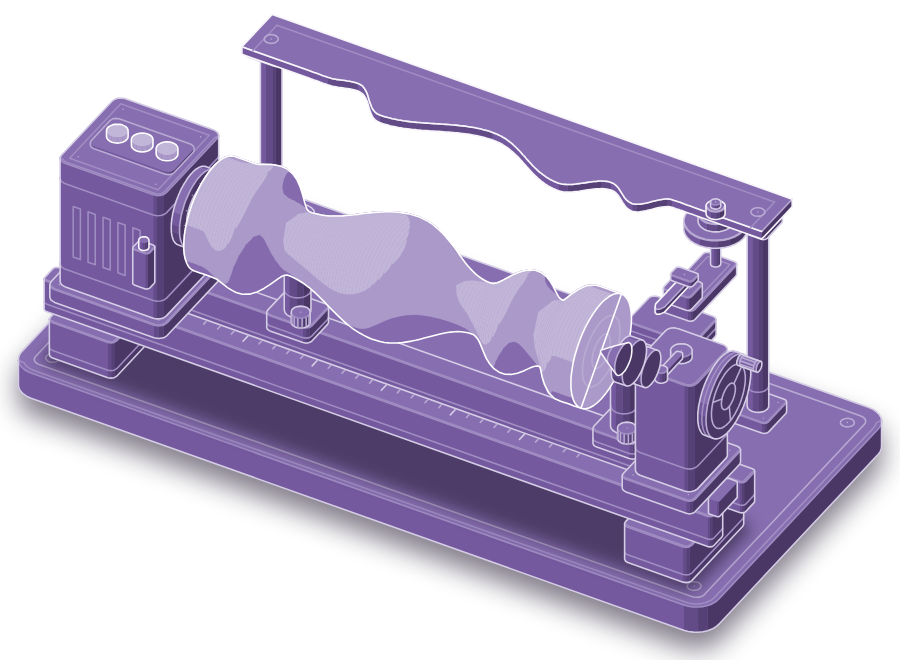
In class
Assign a career pathway
Three taps in Schoolwork. Students practice on iPad.
Students get Progress in Schoolwork
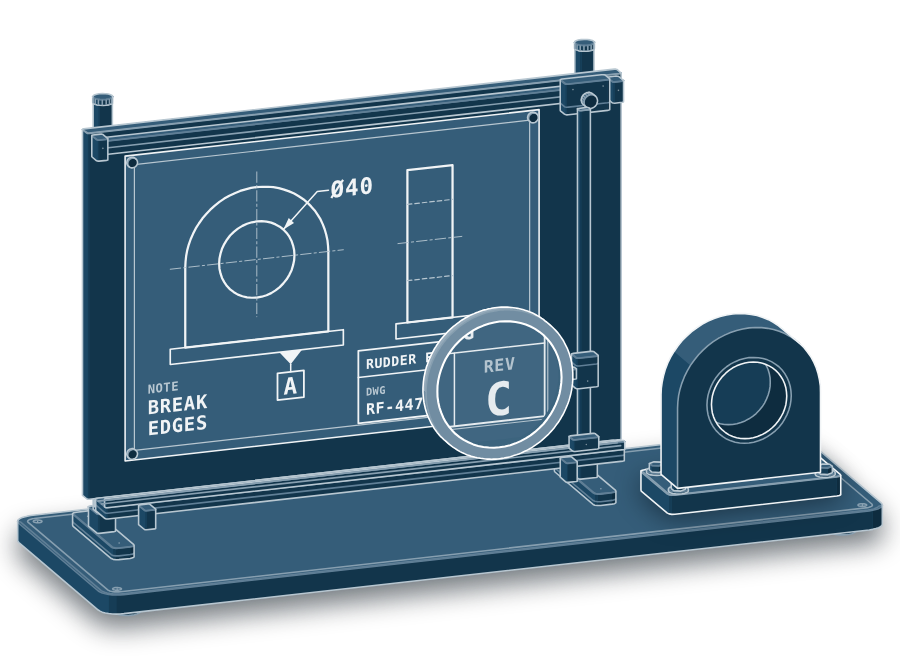
On paper
Hand out a workbook
96 illustrated pages. About a month of activities.
Students get A finished workbook
After school
Host two workshops
Prompt with a goal, then practice a career. Uzair leads both.
Students get A credential
Every student leaves with
01
A goal-aligned prompt.
Who it's for, what to do, and how they'll know it worked.
02
A Literacy Report.
Strengths and gaps from a mock interview in their chosen career.
03
A credential.
A Skills Wallet link they can add to college and job applications.
Apple Schoolwork
Three taps to assign.
- 01In Schoolwork, tap Add, then Assign an App or App Activity.
- 02Choose Prompthaus, then a career pathway.
- 03Pick the class and a due date.
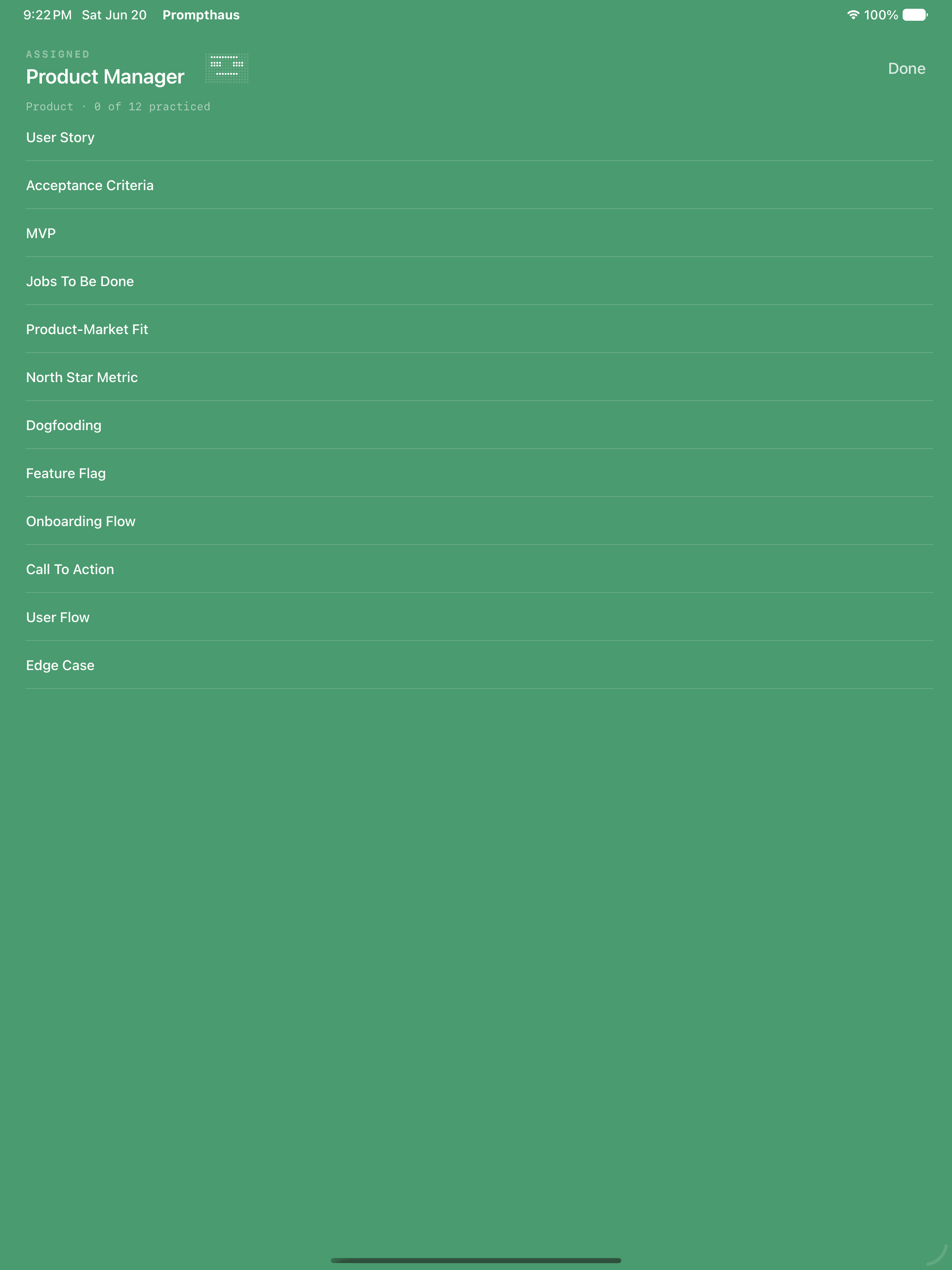
The assignment opens as the career.
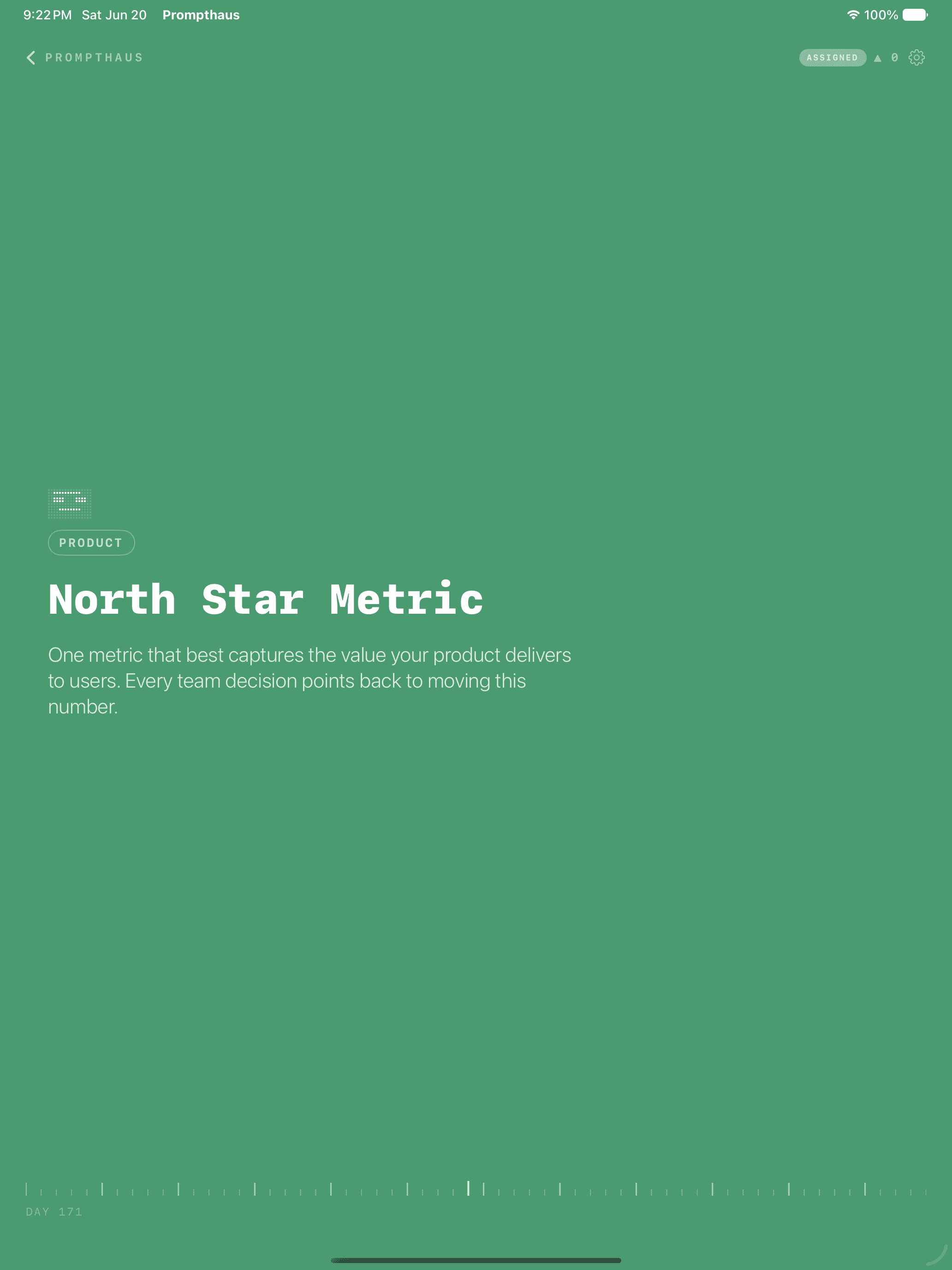
Tap a term to read and quiz.
Workbooks
A workbook for every pathway.
96 illustrated pages each. QR codes open every word in the app.
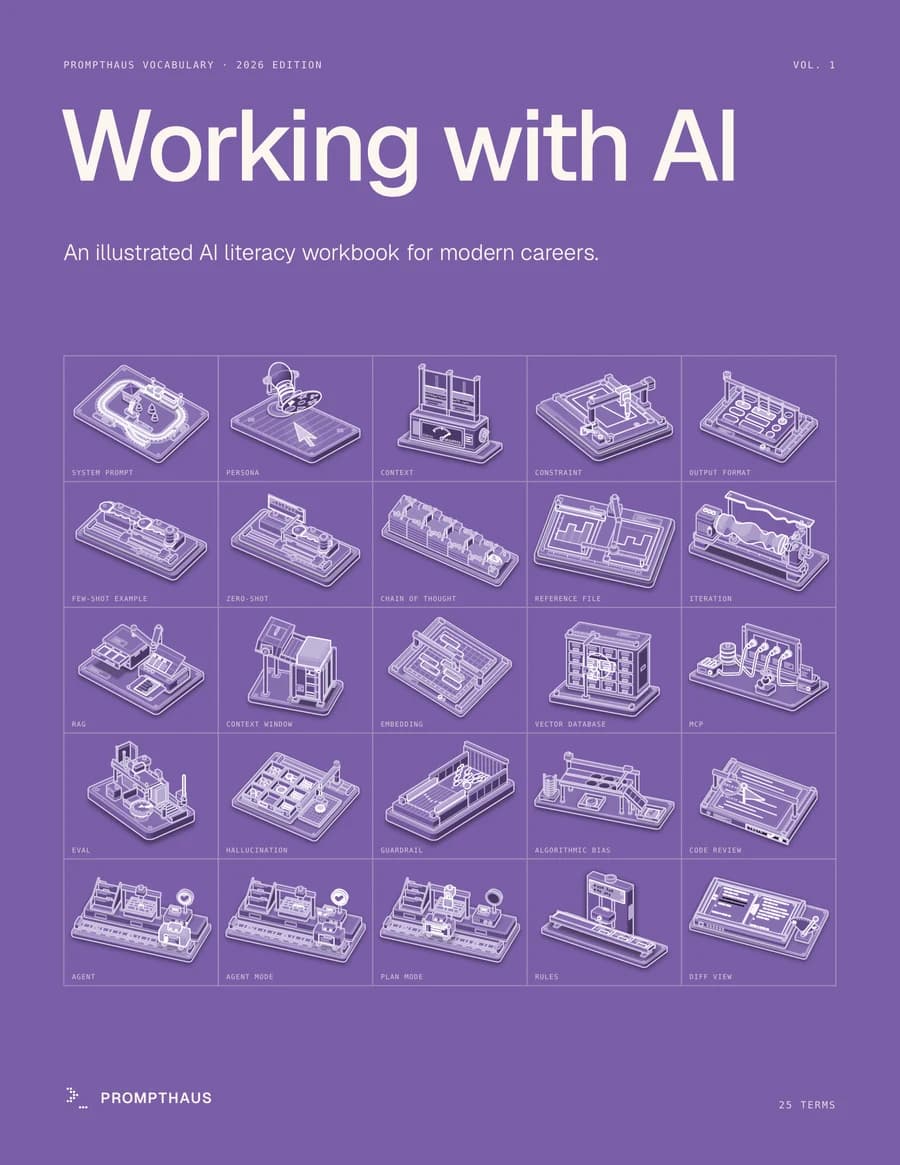
Every student
Working with AI
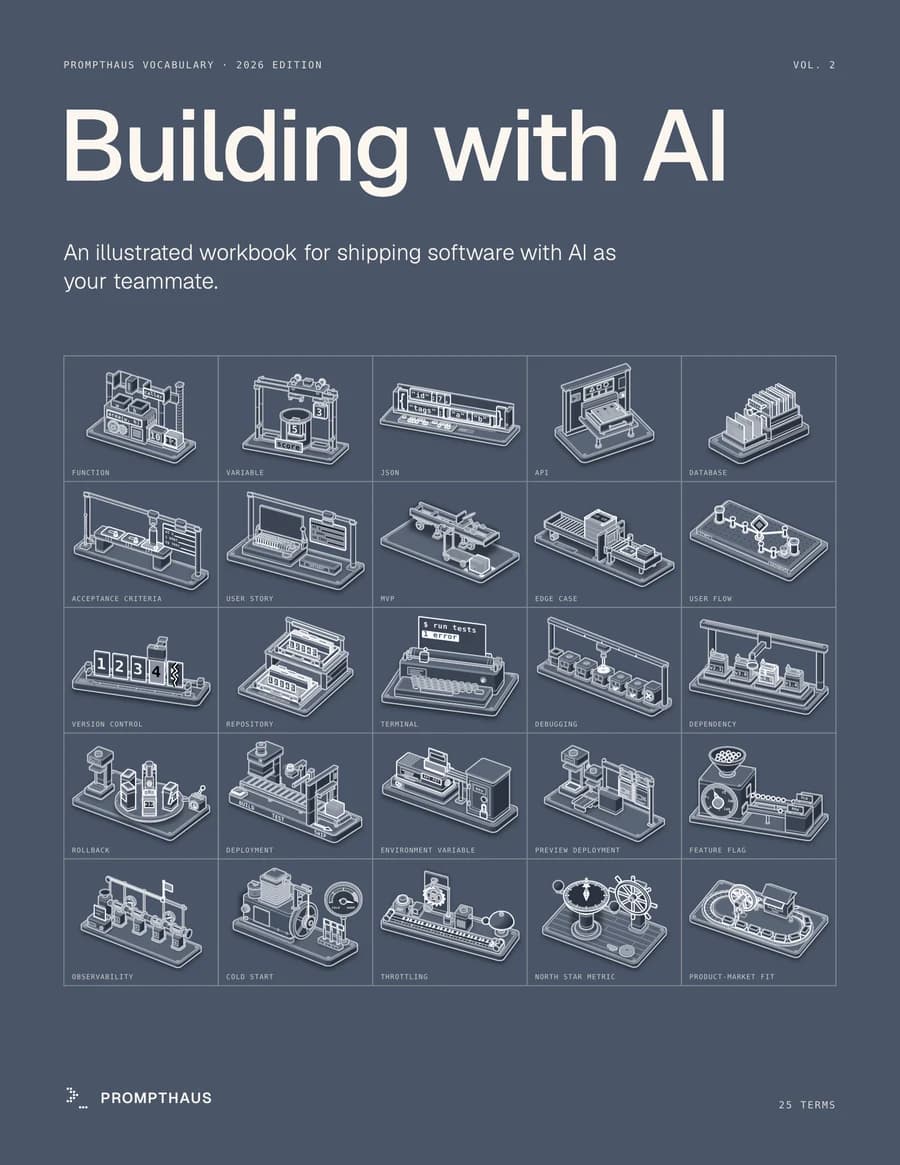
Information Technology
Building with AI
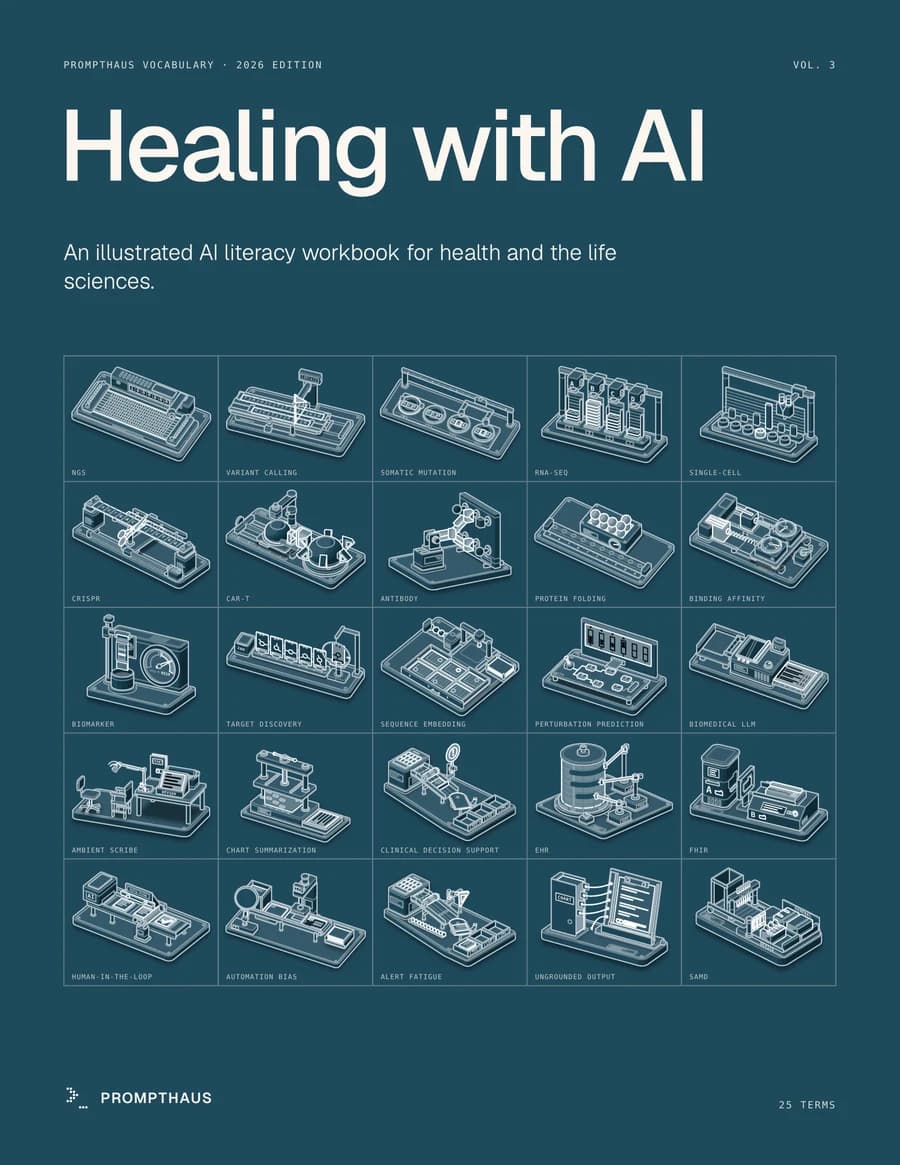
Health Sciences
Healing with AI
Out Nov 4
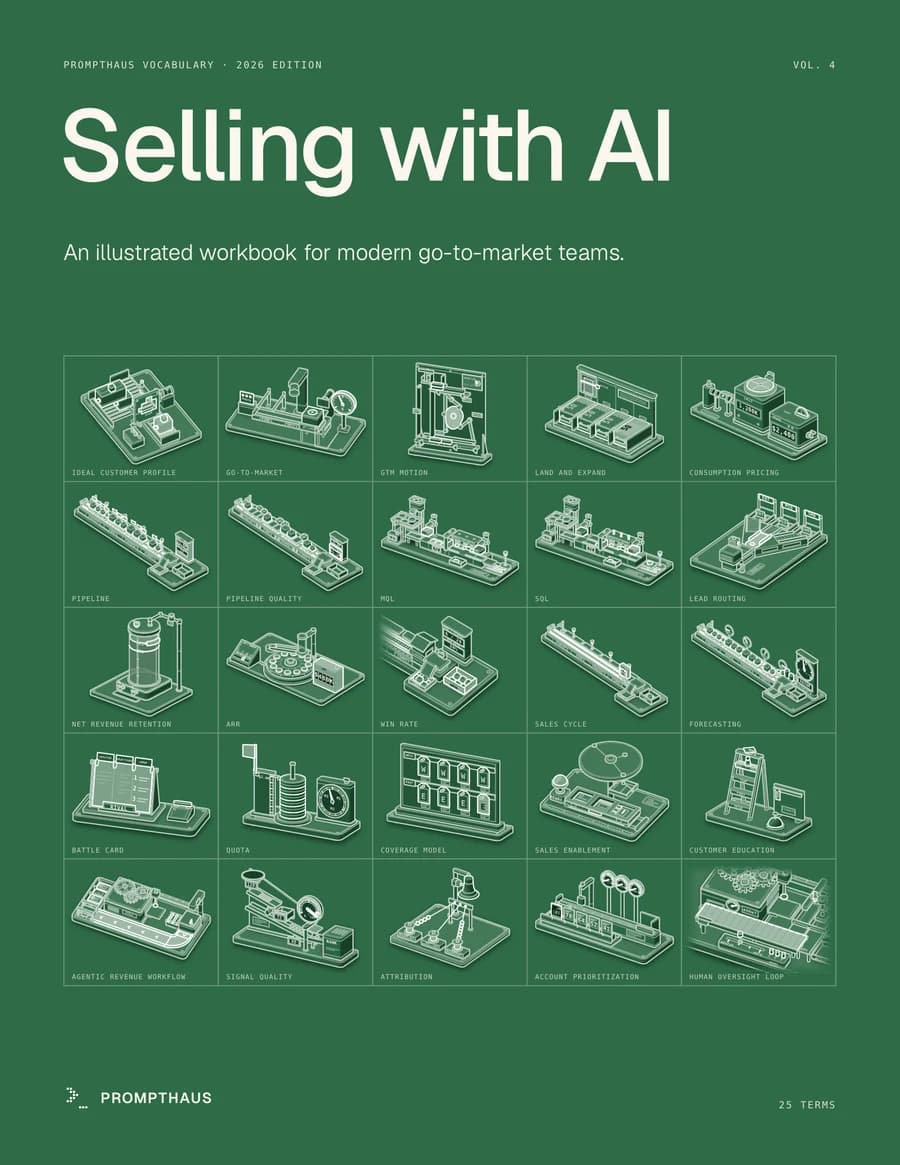
Business & Marketing
Selling with AI
Out Nov 4
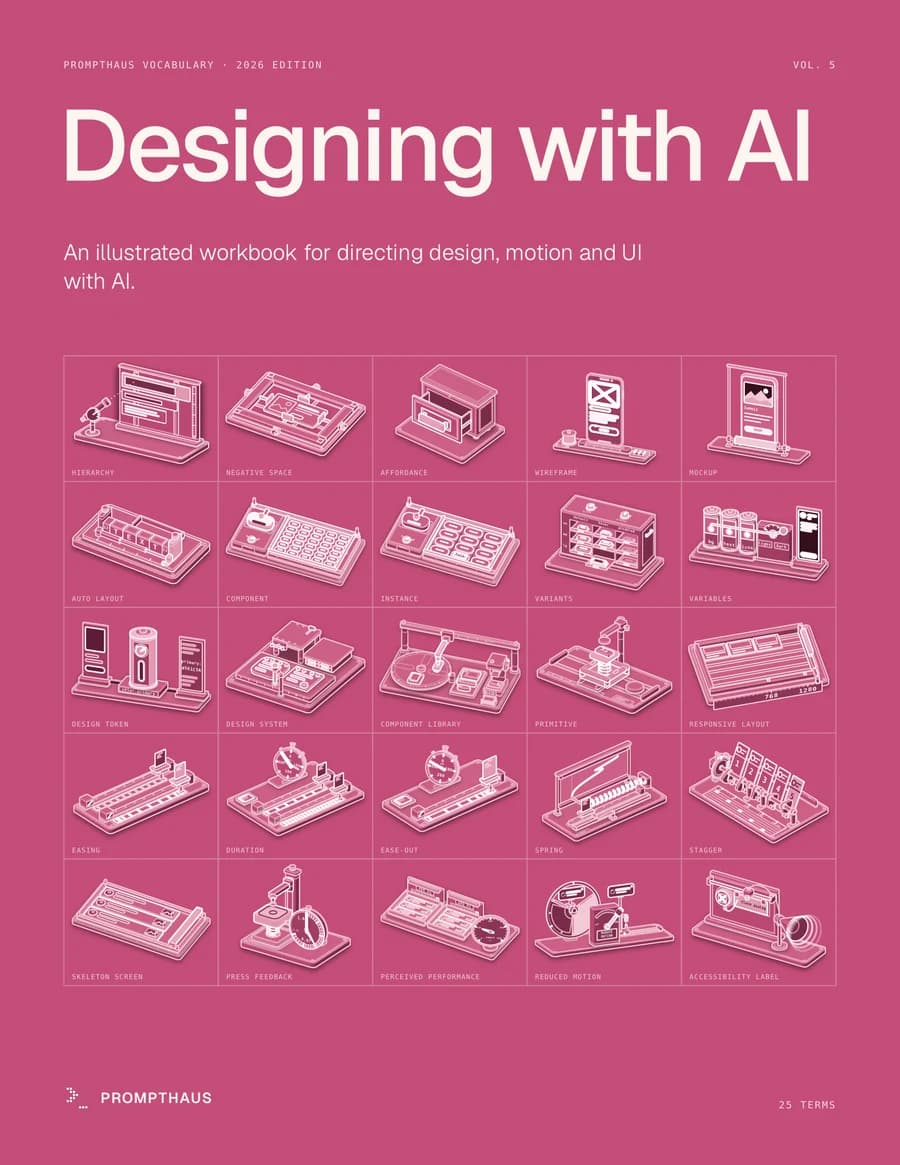
Arts & Communication
Designing with AI
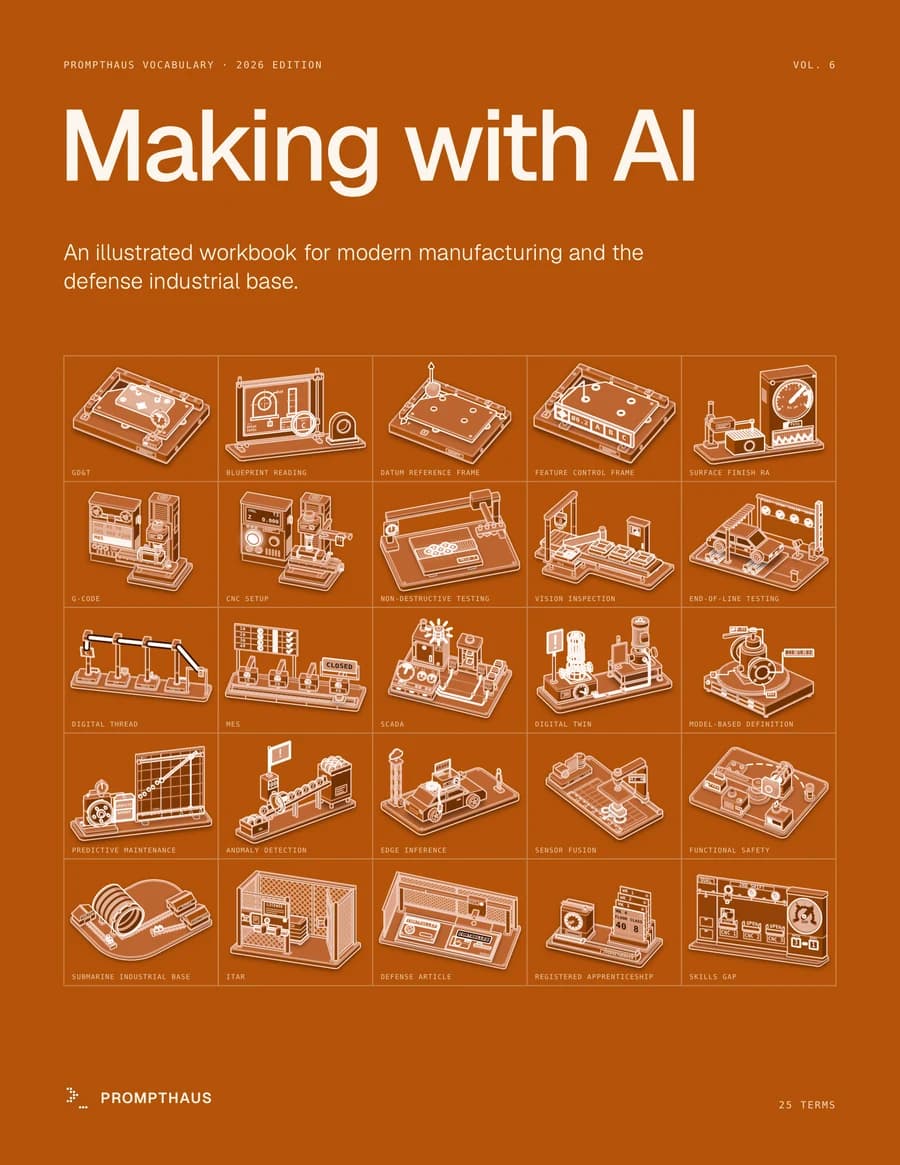
Manufacturing & Trades
Making with AI
Out Nov 11
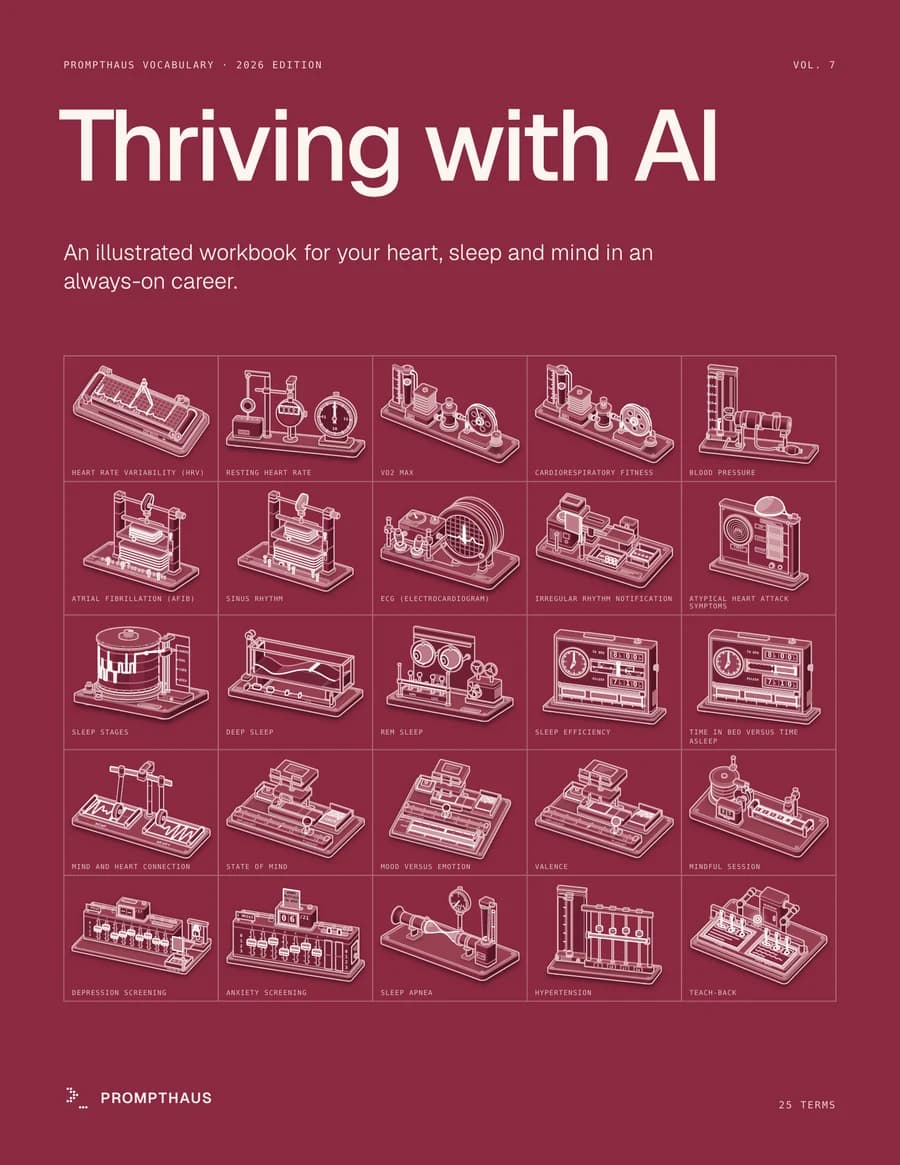
Health & Wellness
Thriving with AI
Out Nov 11
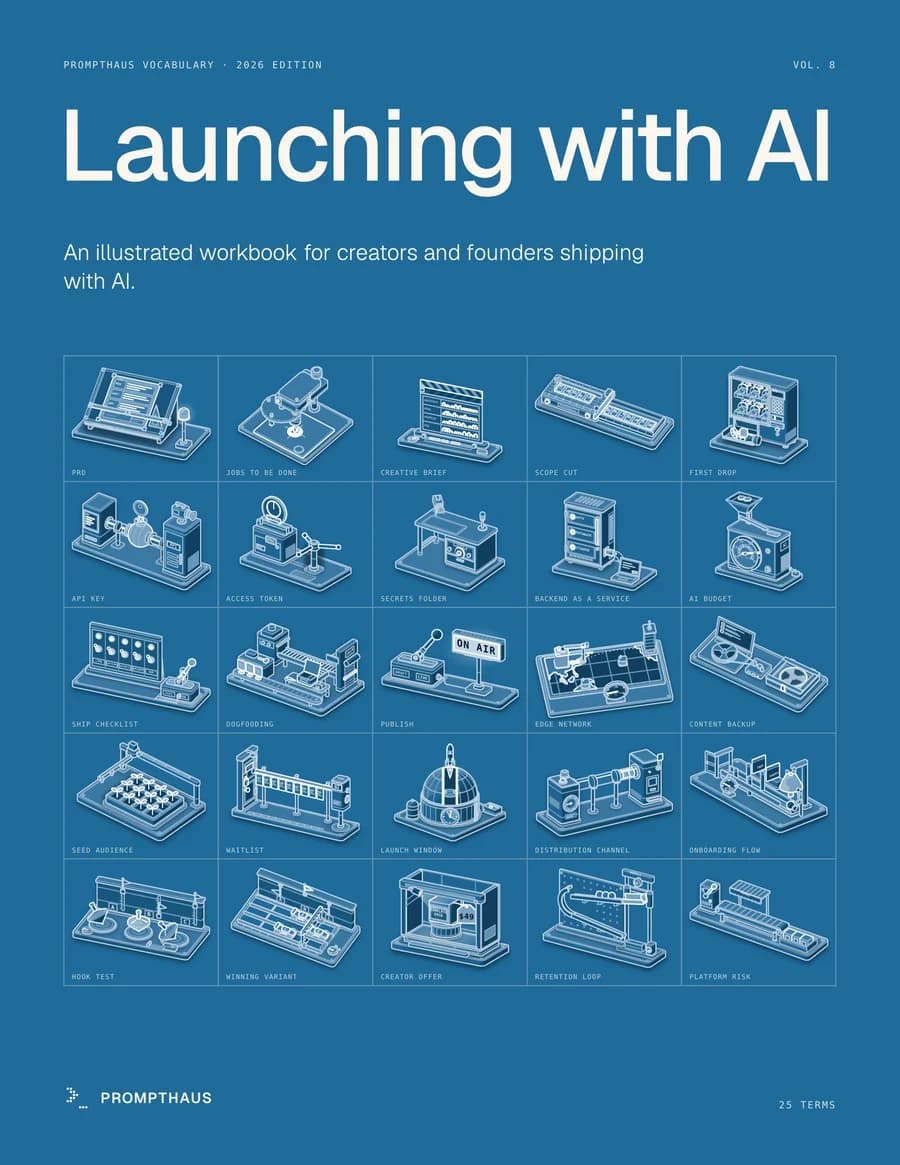
Entrepreneurship
Launching with AI
Need a class set? Ask for a quote
For counselors and teachers
What schools ask.
PaCEFits the career plan you already run.+−
Career exploration, a mock interview, and a credential cover what the Illinois PaCE framework expects by 11th and 12th grade. Illinois PaCE.
AI guidanceA ready start on student AI literacy.+−
ISBE's July 2026 guidance asks districts to build student AI literacy. This is a ready place to begin. ISBE AI guidance.
PrivacyNo student accounts.+−
Practice stays on the iPad. Only assigned work reports to Schoolwork. The workbooks collect nothing. IT can find a one-page security brief in the app's Educator Hub. Privacy policy.
DevicesiPad, iPhone, and Mac.+−
Works with Apple School Manager and Managed Apple Accounts. No Apple devices? Start with the workbooks.
CostStart with one class.+−
Pilot with one class, then grow. Class sets and workshops come with a simple quote.
Bring it to your school
Twenty minutes. Your questions.
Who you'll work with

Uzair Hussain
Founder, Prompthaus · CTE mentor, Naperville School District 203
Uzair mentors Naperville 203 CTE students on computer science, communication, and AI literacy.
What educators say
“I've seen firsthand how he helps young people think differently about their futures — exploring their interests, understanding evolving labor markets, and building real professional awareness early.”
Peter Hostrawser
Career Internship Educator, Naperville School District 203
LinkedIn“Uzair's commitment to mentoring and growing the next generation of computer scientists is unparalleled.”
Brett Thompson
Career Internship Teacher, Naperville School District 203
LinkedIn
Teaching at home? See the family page