
What is Diff View?
A side-by-side comparison of the original code and the AI's proposed changes. You review what changed before accepting or rejecting anything.
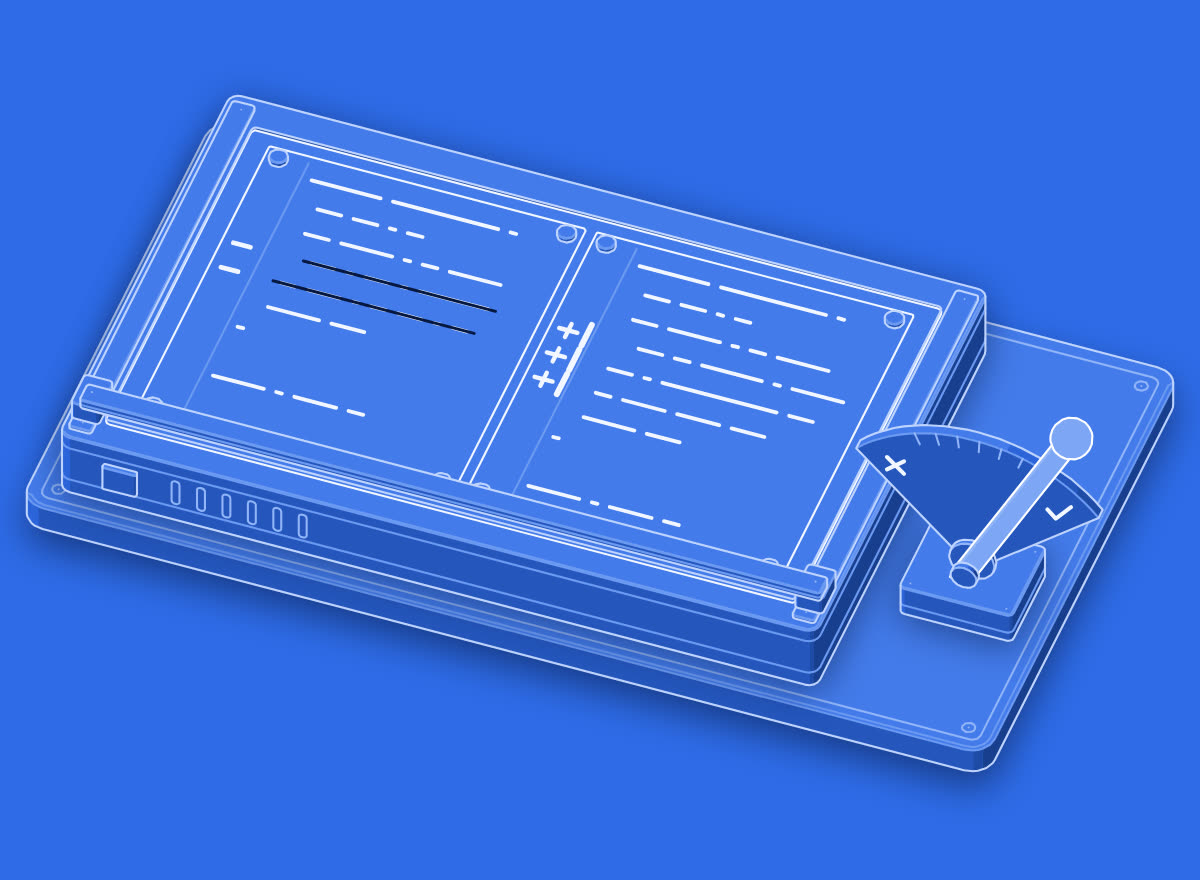
−2 +3 · reviewed → accepted
Diff view shows you...
Write it in your own words in the app.
In real work
Open the diff view before applying. I want to review every change before you commit anything.
In the illustration
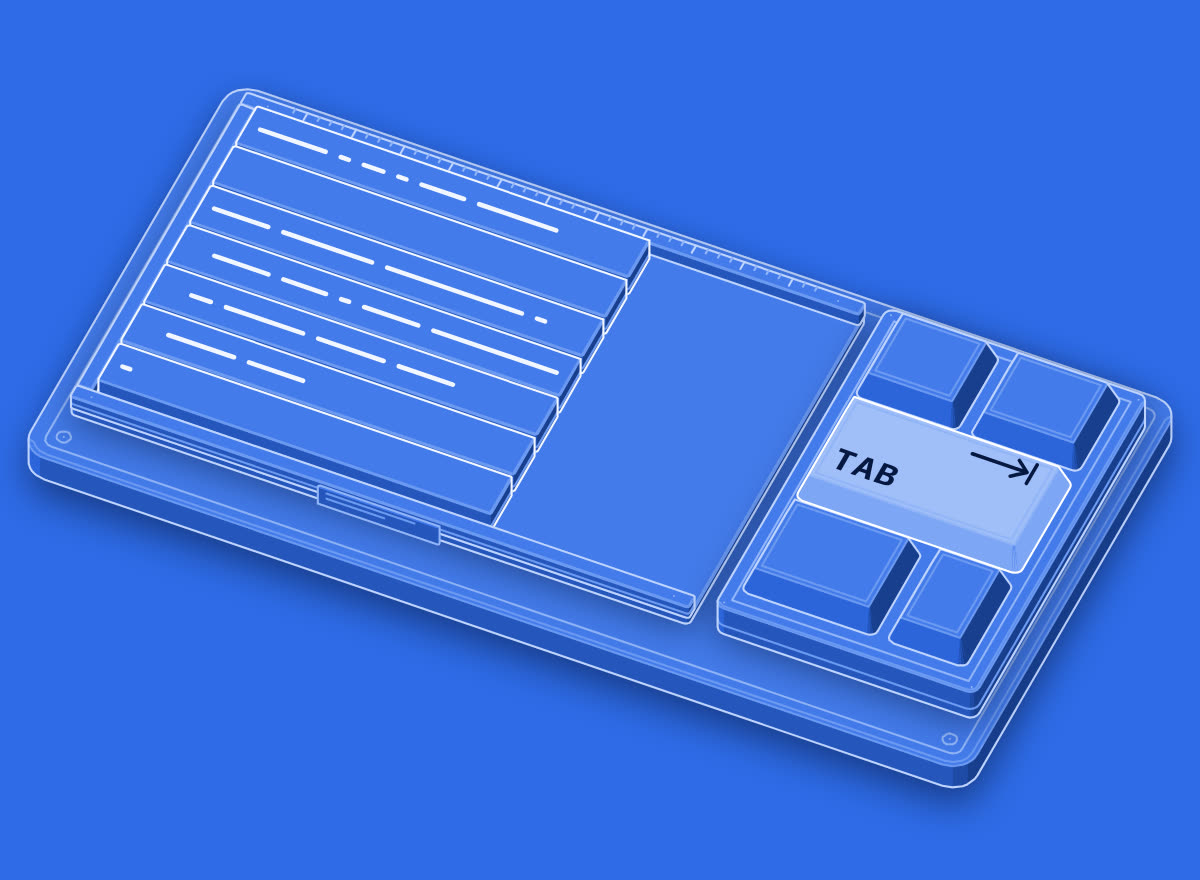
The two proofs lie side by side; a reading bar runs down them and marks the changes (2 lines struck out, 3 added), and only then is the accept lever pulled.
Show the diff view in your coding agent for the auth change before applying it, and keep the diff under 80 lines or split it.
Try it now
The fastest way to learn a word is to use it. Open this line in the agent you already work in and watch what it does. Change the tool to the one you use.
Go further
01Practice
Make it stick
One term a day, a short quiz, and sentence practice that checks your own words.
02Verify
Prove you know it
Pass the quiz and keep it in a Skills Wallet you can share with anyone who needs proof.
03Career
Find the work that uses it
See which roles lean on this vocabulary, and what they pay in year one.
More in Using AI
All terms →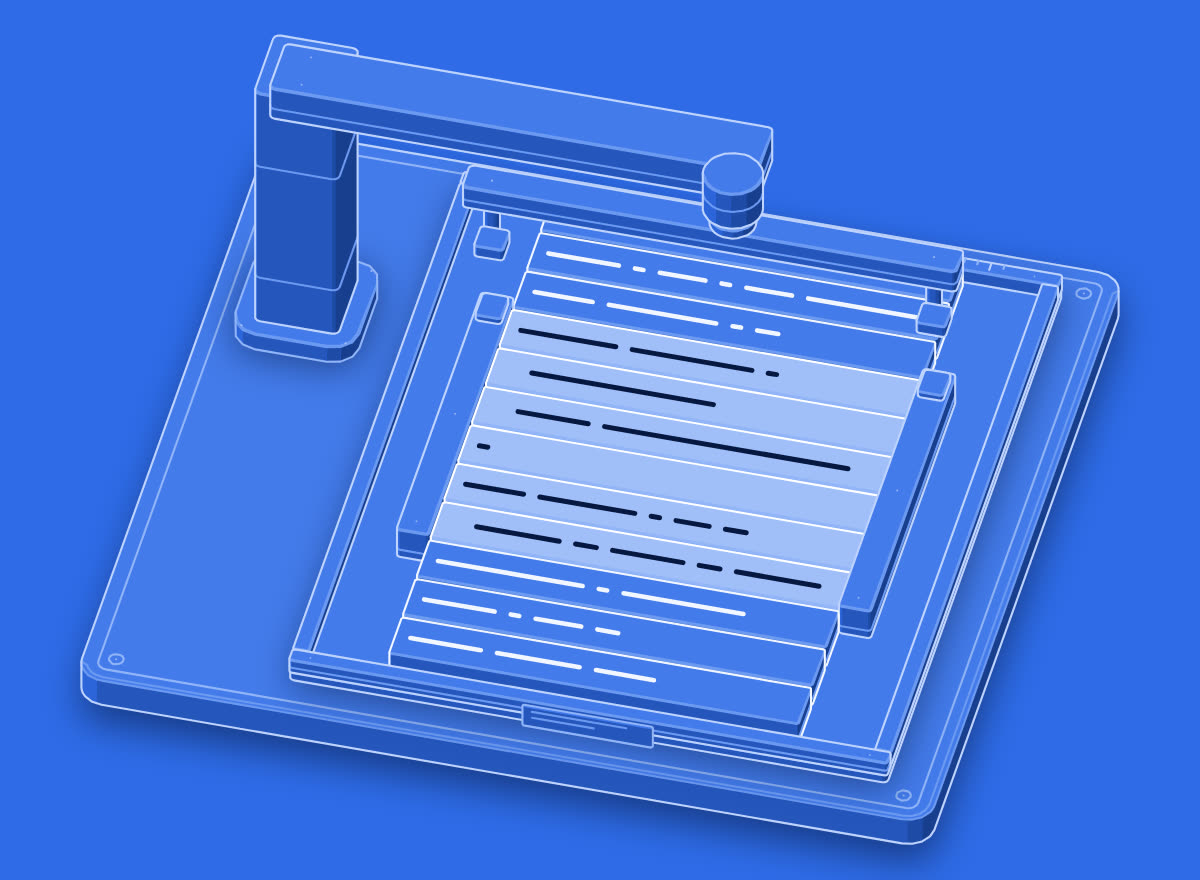
Learn the next term tomorrow.
Google gives a definition. Prompthaus pairs each term with how it shows up in standups, PRs, prompts, and design reviews. Then it quizzes you until the word sticks. One term a day on iPhone.
