
What is Plan Mode?
A mode where the AI explores a task and outlines a plan without editing any files. You review the plan and approve it before anything changes.
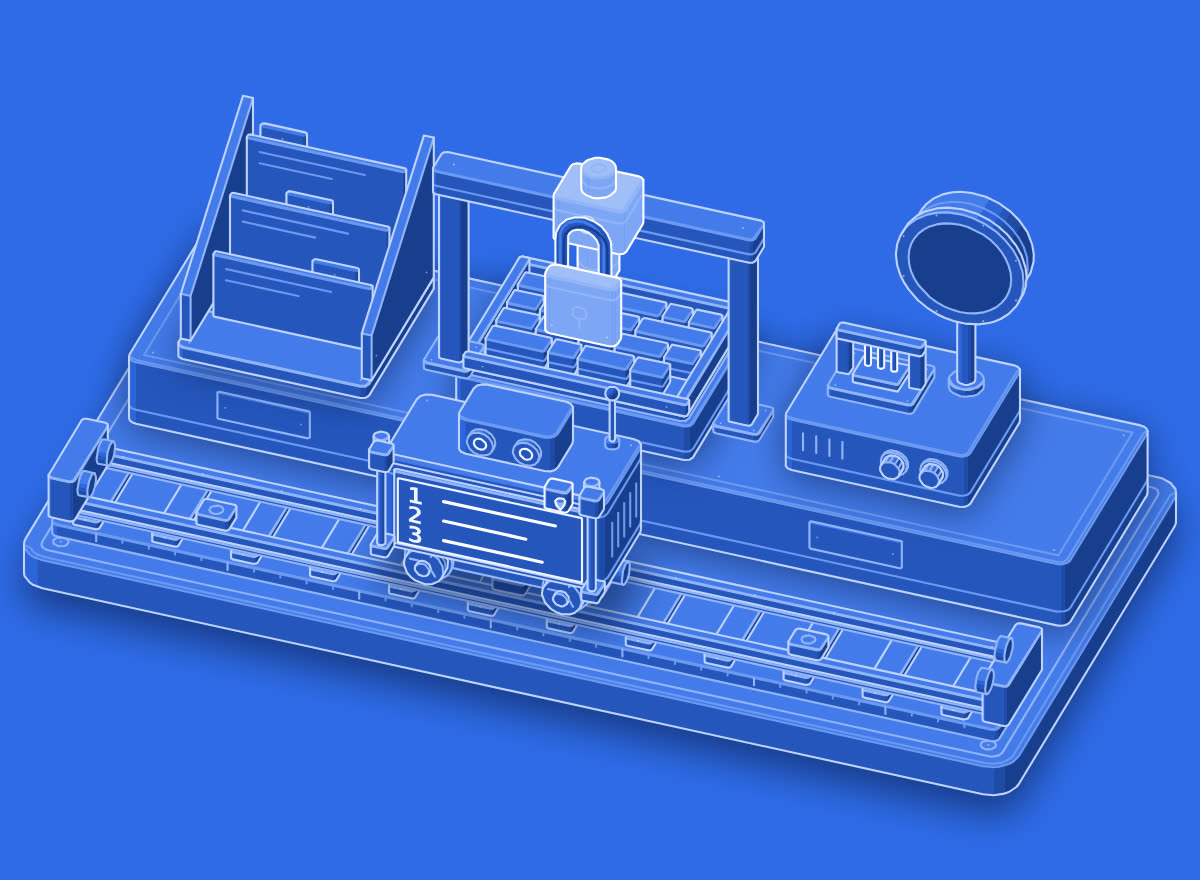
3-step plan · 0 files edited
Plan Mode lets you review the approach...
Write it in your own words in the app.
In real work
Plan Mode: refactor the database layer. Tell me which files you would change and why before touching anything.
In the illustration
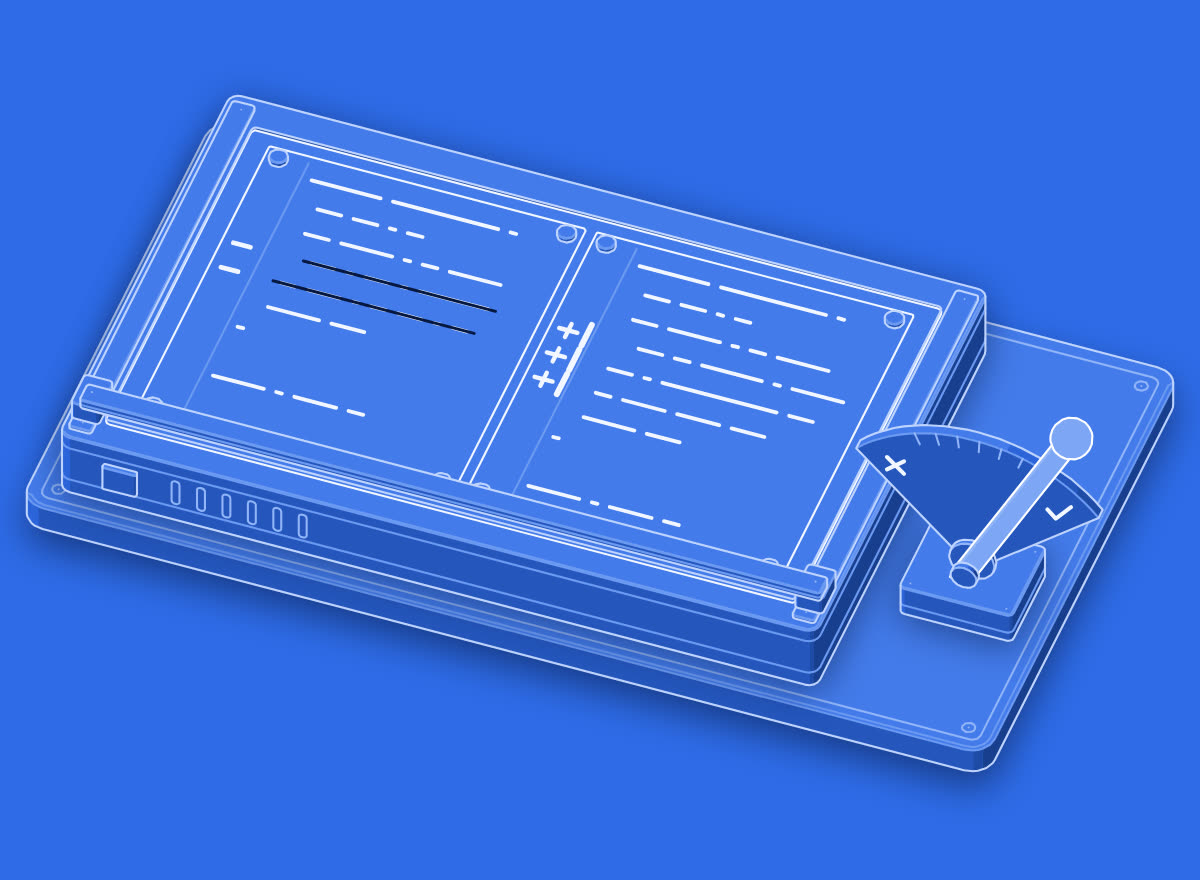
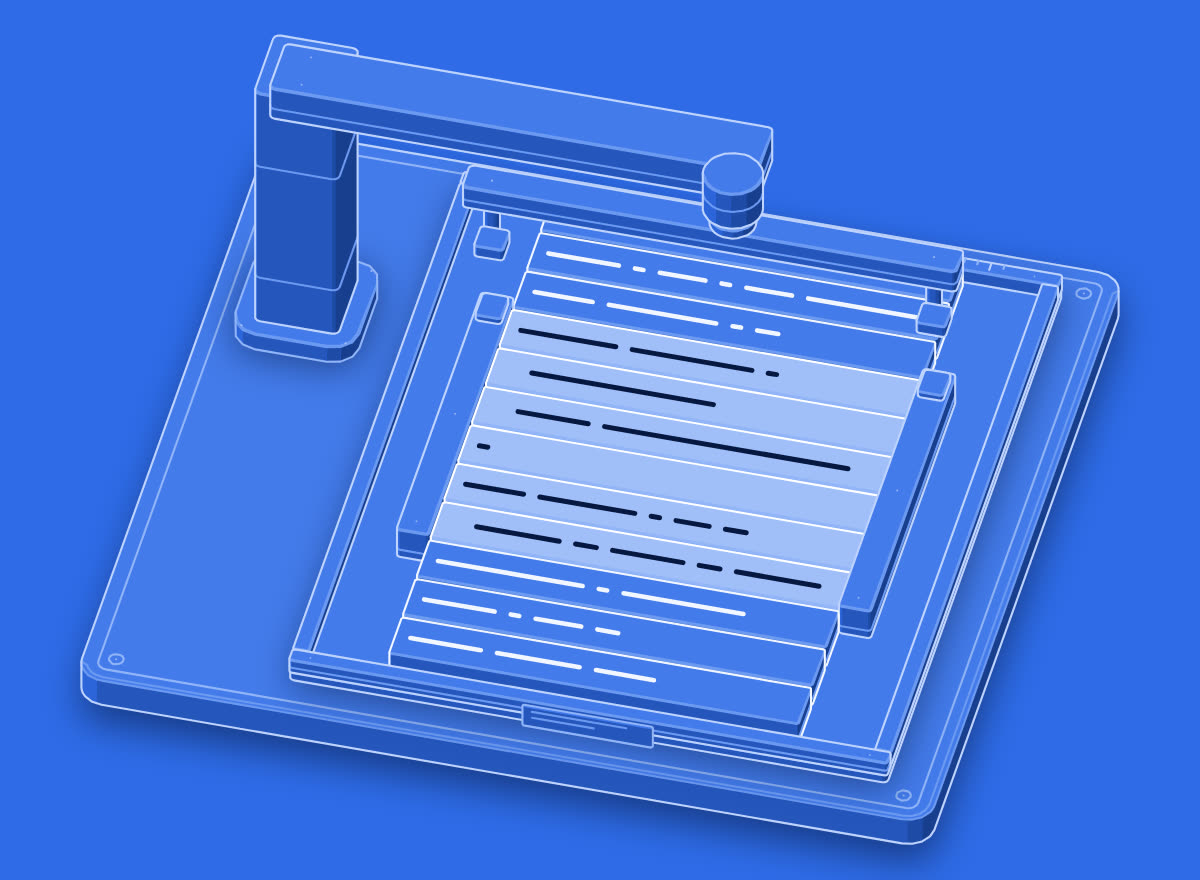
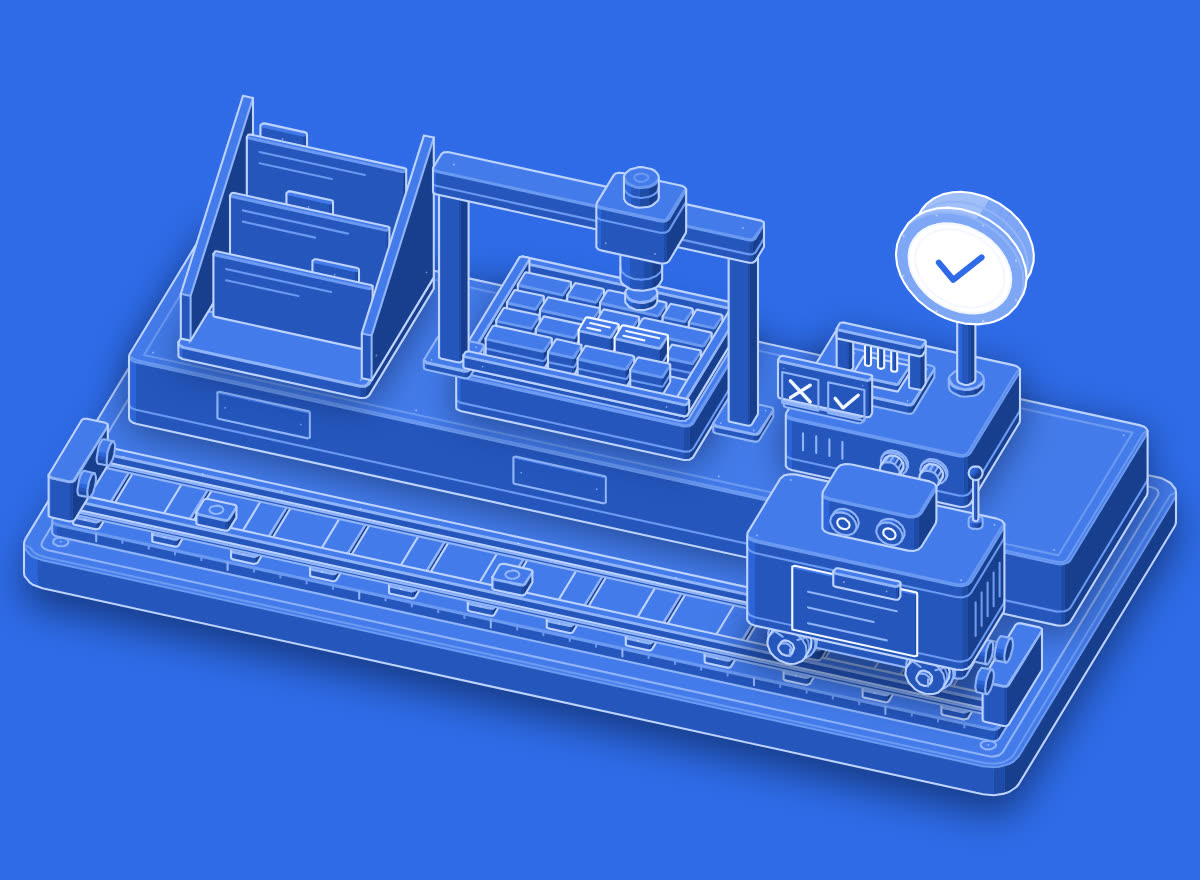
The shuttle tours the file rack and its pen arm writes a 3-step plan on the sheet; the edit head stays padlocked and no galley is touched, waiting for approval.
Start in plan mode in your coding agent: outline how you would split the 900-line view model before you touch a file, and wait for my go.
Try it now
The fastest way to learn a word is to use it. Open this line in the agent you already work in and watch what it does. Change the tool to the one you use.
Go further
01Practice
Make it stick
One term a day, a short quiz, and sentence practice that checks your own words.
02Verify
Prove you know it
Pass the quiz and keep it in a Skills Wallet you can share with anyone who needs proof.
03Career
Find the work that uses it
See which roles lean on this vocabulary, and what they pay in year one.
Learn the next term tomorrow.
Google gives a definition. Prompthaus pairs each term with how it shows up in standups, PRs, prompts, and design reviews. Then it quizzes you until the word sticks. One term a day on iPhone.
